AI Series · 13
Build a Website for Free Using AI (Zero Experience Needed)
AI removed the technical barrier to building a website. It did not remove the need to know what you want to say.
On this page9 sections
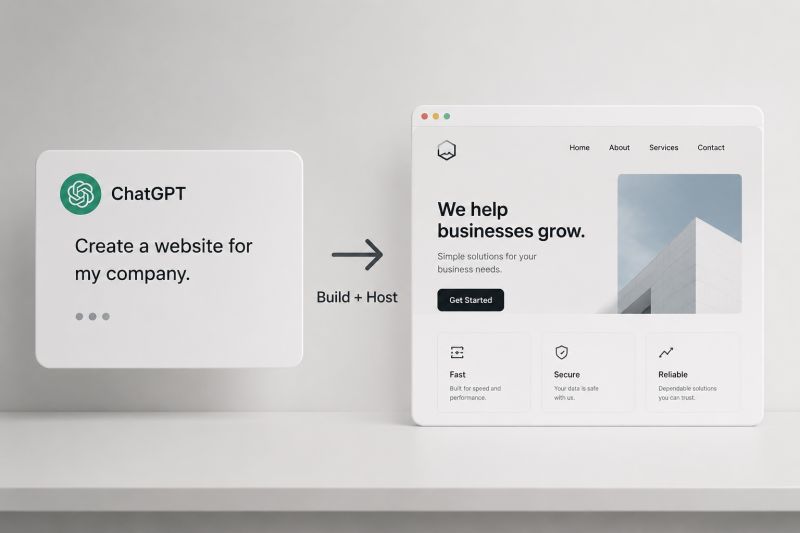
Most people think creating a website needs coding, money, and a developer. That's no longer true. AI lets anyone create a professional website, even on a first try with tech. Example: Bolt.new.
What Kind of Website Do You Need?
Static (display) website — no login, database, or admin panel; content stays the same unless edited. Used for portfolios, business display sites, agencies, and personal branding. The simple idea: "This is who I am, what I do, how to contact me." (Dynamic websites are also possible — a separate post.)
Step 1: Open Bolt.new
Go to bolt.new — no setup, just start typing.
Step 2: Tell Bolt What You Want
Example prompt:
Create a clean, minimal freelance portfolio website.
Sections: About, Services, Projects, Contact.
Style: modern, simple, professional.
Target audience: small businesses.
No animations, no dark theme.
Bolt generates the layout, content, structure, and design. Refine it from there: minimal, reduce colors, change font, improve content. No coding needed — just conversation.
Step 3: Download Your Files
Export / Download → ZIP → extract. These are your website files.
Step 4: Upload to GitHub (Free)
- Create an account at github.com
- New Repository → name → Create
- Upload files → Commit changes
Step 5: Make It Live With Netlify (Free)
- Create an account at netlify.com
- Add new site → Import from GitHub → Deploy
Your link: yourname.netlify.app
Step 6: Connect Your Own Domain
Buy a domain from GoDaddy, Namecheap, or Google Domains — for example, yourname.com. In Netlify: Domain settings → Add custom domain → copy DNS → add at your provider → save. Wait 2–30 minutes for the domain to work.
What AI Actually Removed
AI removed technical barriers, not effort. Clarity, knowing what you want, and explaining simply still matters — leverage, not job removal.
This works for students, freelancers, business owners, creators — anyone with zero technical knowledge.
Bonus
Skip GitHub and Netlify entirely: use Bolt's paid plan to publish directly. No hosting setup, no configuration. Pay, publish, done.
Originally published on LinkedIn.
Read the series — AI Series
AI Series index- 01AI Gives Everyone New Opportunities
- 02What AI Really Is
- 03The Power of Prompts
- 04Prompt Structure and Real Examples
- 05How to Pick the Right AI Tool
- 06Combine AI Tools Like a Digital Team
- 07Build Your Own AI System (No Coding Needed)
- 08Think Like AI
- 09Staying Updated in AI
- 10The Future of AI and How It Changes Our Work
- 11How Small Businesses and Freelancers Can Use AI
- 12From ML to Agents: How AI Actually Evolved
- 13Build a Website for Free Using AI (Zero Experience Needed) (this piece)
- 14GPT-6 Just Landed. The Model War Isn't About Chatbots
- 15AI Agents Are Taking Over Enterprise Workflows
- 16$242 Billion Went Into AI in One Quarter
- 17AI Now Performs at Expert Level in 44 Professions
- 18AI Is Consuming More Power Than Countries
- 19From "I Need A Website" To "My Website Is Live" With AI

Muhammed Nasvih V
Lead DevOps & Cloud Engineer · Jeddah, Saudi Arabia
Writes The Stack Notes — field notes on infrastructure, AI, money and work. Cloud infrastructure, CI/CD, security and automation at Code7 Information Technology.